For business
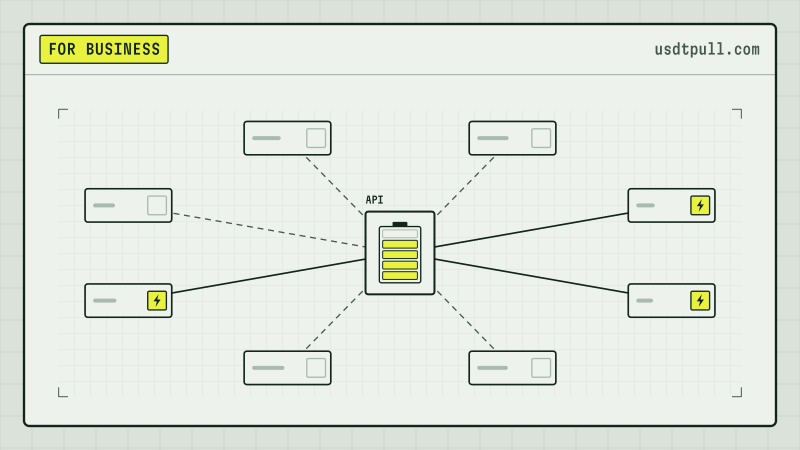
TRON Energy for OTC Desks: Large, Irregular USDT TRC-20 Transfers
A 30M USDT transfer and a 1 USDT transfer both used 64,285 energy on Nov 20, 2026. How an OTC desk with uneven deal flow pays for energy.
8 min read
For exchanges, OTC desks and payment services: network costs of payouts and working with TRON energy.
A 30M USDT transfer and a 1 USDT transfer both used 64,285 energy on Nov 20, 2026. How an OTC desk with uneven deal flow pays for energy.
8 min read
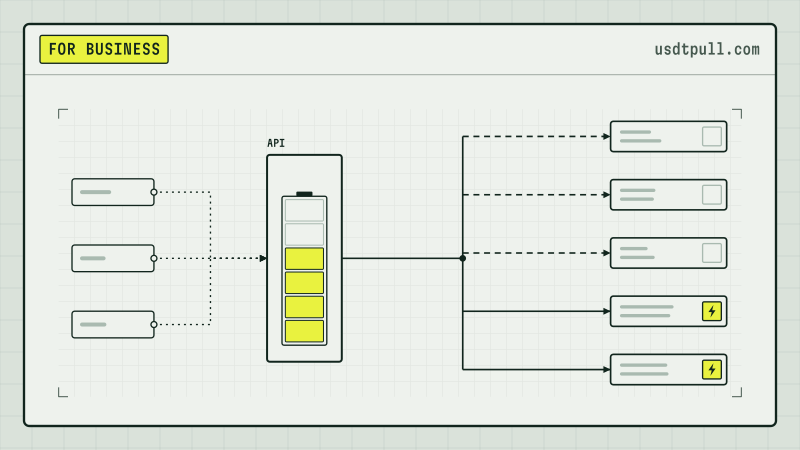
Four ways a system learns about incoming USDT on TRON, one real transfer timed from block to confirmation, and three traps that credit money you never got.
8 min read
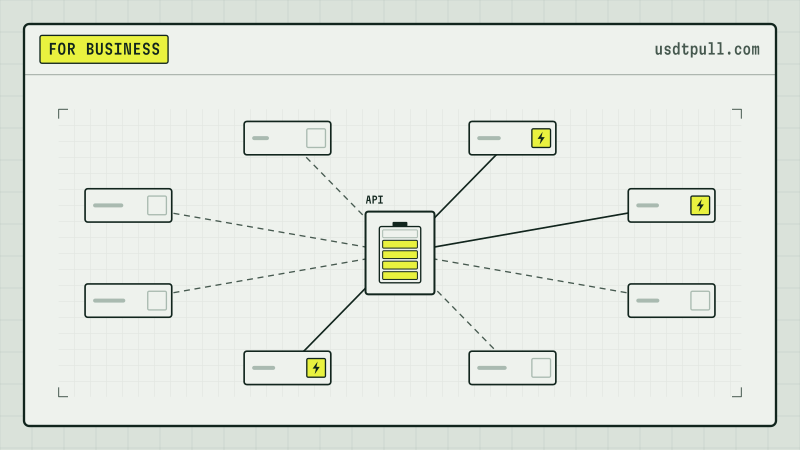
Accepting USDT TRC-20 costs you nothing per incoming payment, but your address scheme decides what customers pay and what moving the money out costs.
8 min read
How TRON splits energy between a contract's deployer and its caller, real contract settings as of Nov 20, 2026, and a month of energy for a USDT bot.
Yes: Tether can blacklist a TRON address so its USDT cannot leave. Contract code, 315 listings in 30 days and a free status check, read on chain Nov 15, 2026.
Real TronGrid calls from Nov 2, 2026: how to estimate USDT transfer energy with triggerconstantcontract, why estimateenergy failed, and how to set fee_limit.
What a USDT sweep from a deposit address costs on TRON, a real sweep cycle read on chain, and a burn, stake and rent model for 400 to 2,000 sweeps a day.
A model calculation for USDT TRC-20 mass payouts: energy per batch, bandwidth, a safety margin and what the 1-hour rental term means for your schedule.
How a TRON energy rental API fits into USDT payouts: quote, order, status check, transfer. Real UsdtPull API methods, request signing and a request budget.
USDT TRC-20 transfer costs for exchanges: a model for 100, 500 and 1,000 transfers a day, TRX burn vs energy rental, always-on energy and the API.
UsdtPull sends energy to your address for a set period. The transfer goes through without burning TRX, your keys stay with you and the energy returns on its own afterwards.
In the app, you enter your wallet address, the amount of energy and the rental period.
Energy lands on your address. The delegation is visible in the block explorer.
The transfer uses the rented energy instead of your TRX. When the period ends, the energy returns on its own.