Open the app
Menu

TRON energy for exchanges, OTC desks and payment services

Send USDT without burning TRX: energy reaches your addresses via API. In the same app: AML checks, wallet tracking, crypto acquiring and a TRON node subscription.

How it connectsUSDT TRC-20
01Your systemsorder energy for every transfer
API request
02UsdtPulldelegates energy for a set term or keeps it on the address
energy to address
03Your addressesenergy in place, keys stay with you
USDT transfer
04Customersreceive USDT, the network burns none of your TRX
05Energy returnsat term end, automatically
  • request and transfer
  • energy flow

Use cases for four types of business

Find your type of business: the task, the services that handle it and where to read more.

01

Crypto exchange

Screened exchangefig. 1
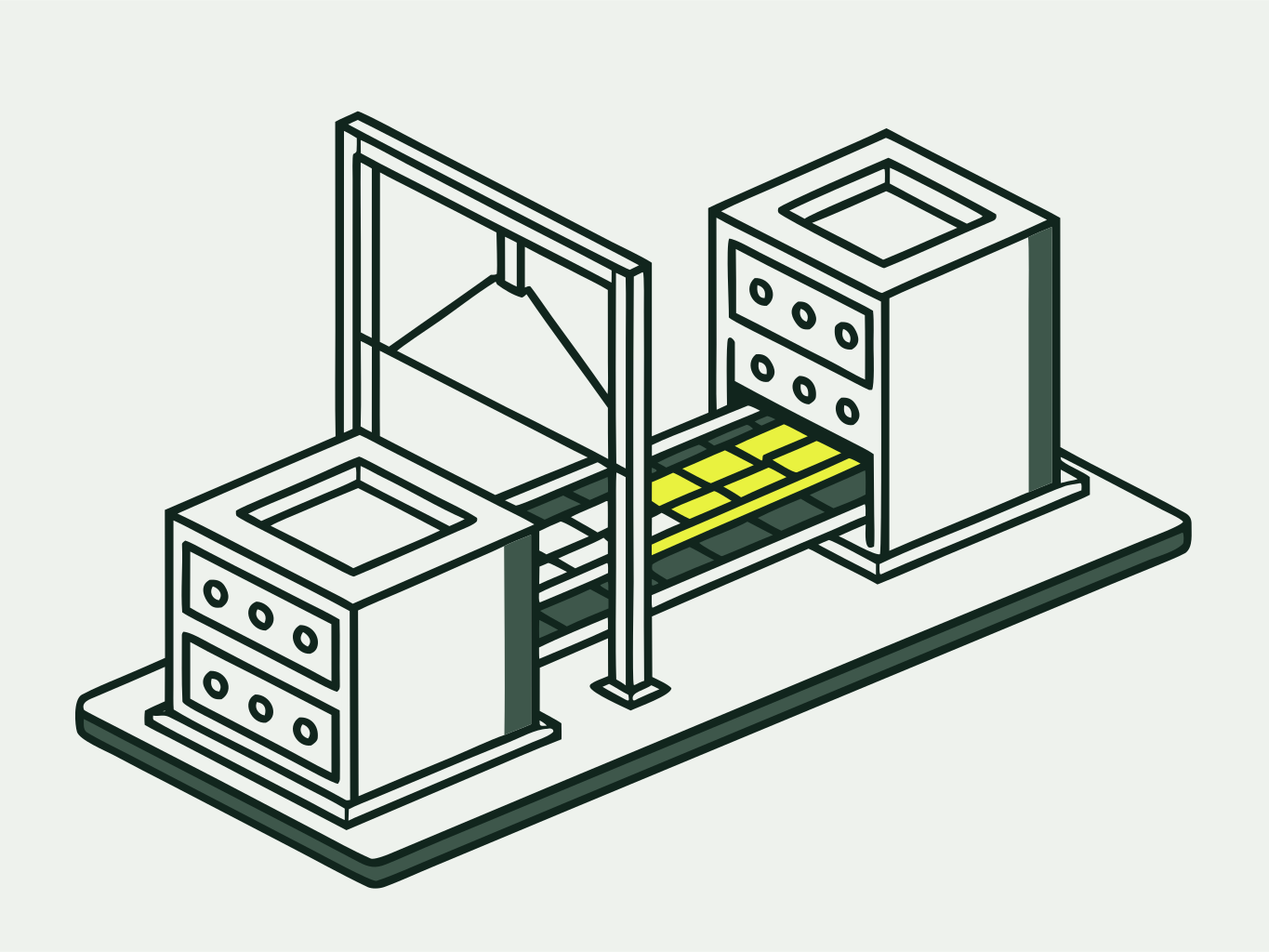
Diagram: two machine blocks on one slab, a conveyor carries cells both ways, a scanner frame over the incoming lane
Task

Pay out USDT to customers without burning TRX on every transfer, and avoid accepting funds from risky addresses.

Handled by
  • Energy APIenergy for every payout
  • AML checksthe addresses funds come from
  • Wallet trackingalerts on transfers to your addresses

Energy pricing
02

OTC desk

Large dealfig. 2
Diagram: two large blocks on separate slabs facing each other, a big crate on a platform between them, a magnifier on a stand inspects the crate
Task

Close large deals with counterparties without the risk of receiving frozen USDT on your address.

Handled by
  • USDT freeze checkUSDT status on the counterparty address before the deal
  • AML checksthe counterparty address and its transactions
  • Energy rentaltransfers without burning TRX, including to a new address
How to order energy
03

Payment service

Incoming paymentsfig. 3
Diagram: dashed paths from small blocks converge into a large intake box with a funnel, a signal lamp beside it
Task

Accept crypto payments and see every incoming transfer to your addresses.

Handled by
  • Crypto acquiringaccept USDT TRC-20 payments
  • Wallet trackingalerts on USDT transfers
  • TRON node subscriptionnetwork access for your systems
API and TRON node
04

Payout service

Payout flowfig. 4
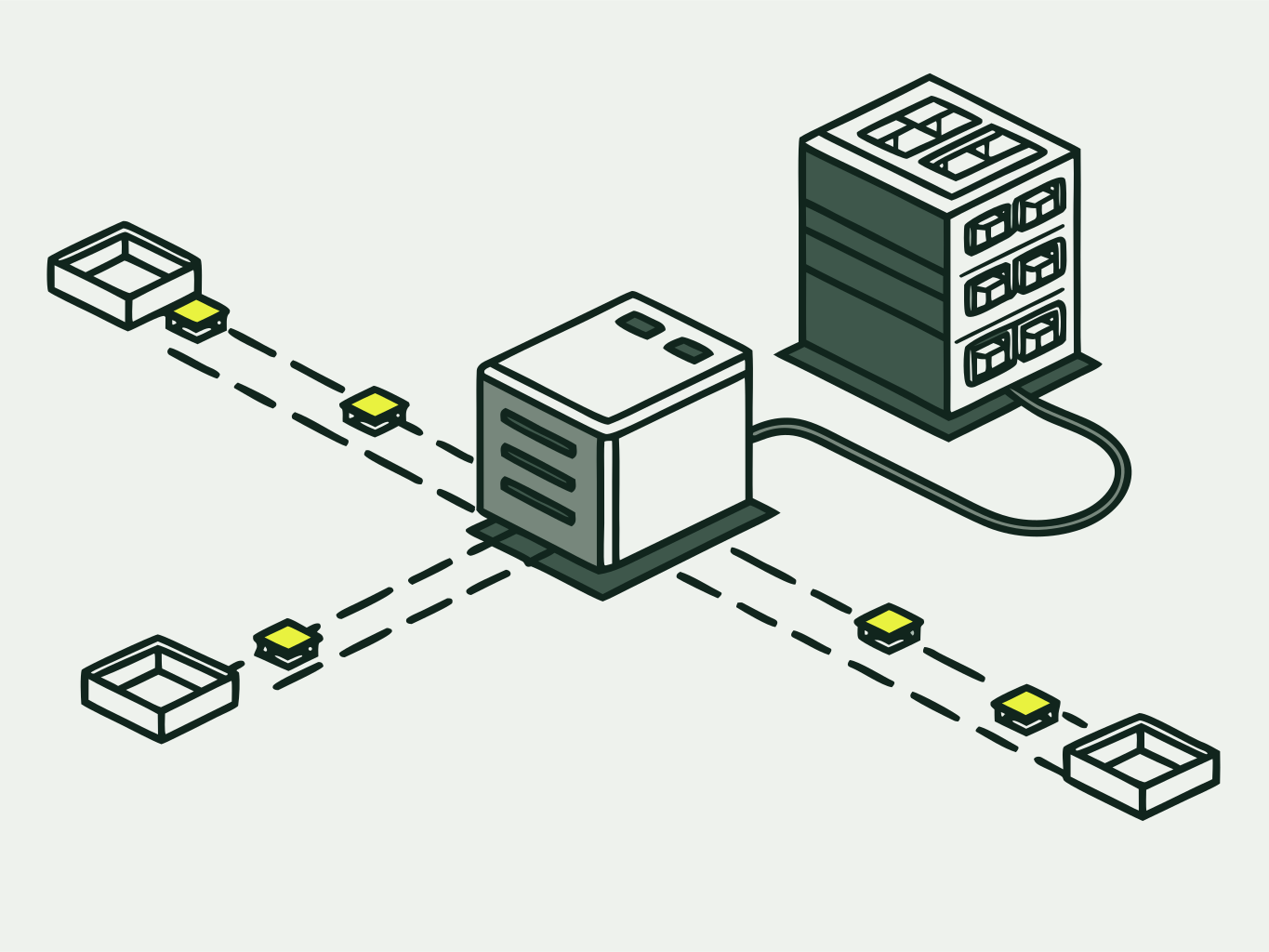
Diagram: a dispatcher block sends cells along four dashed paths into trays and is cabled to an energy store
Task

Send a steady flow of USDT transfers from an operating address without running out of energy on it.

Handled by
  • Always-on energytopped up after every transaction
  • Energy APIorders from your systems, no manual steps
  • AML checksrecipient addresses before each payout
FAQ

Eight services on one platform

Three groups: energy for transfers; address monitoring; infrastructure and payments.

UsdtPull services: what each one does and who it is for
NumberServiceWhat it doesWho it is for
Energy for transfers
Energy rentalEnergy for a set term to cover USDT transfers: standard ones and transfers to a new address.anyone who sends USDT
Always-on energyYour address always has energy for the next transfer: it is topped up after every transaction.payout services, exchanges
Energy APIBuy energy from your own systems, with no manual steps.How the API worksexchanges, payment services, payouts
Address monitoring
Wallet trackingAlerts on USDT transfers on the addresses you watch.payment services, exchanges
USDT freeze checkChecks whether USDT on an address is frozen and keeps track of its status.OTC desks, exchanges
AML checksScreen addresses and transactions before you accept funds.exchanges, OTC desks
Infrastructure and payments
Crypto acquiringAccept USDT TRC-20 payments for your business. Flat fee of 0.5 USDT per payment.payment services
TRON node subscriptionAccess to a TRON network node for developers and services.developers, payment services
Rental and always-on energy rates

How to connect

Four steps from sign-up to ordering energy from your own systems. Energy reaches the address within 10 seconds, and support helps you get set up.

Energy on the addressfig. 5
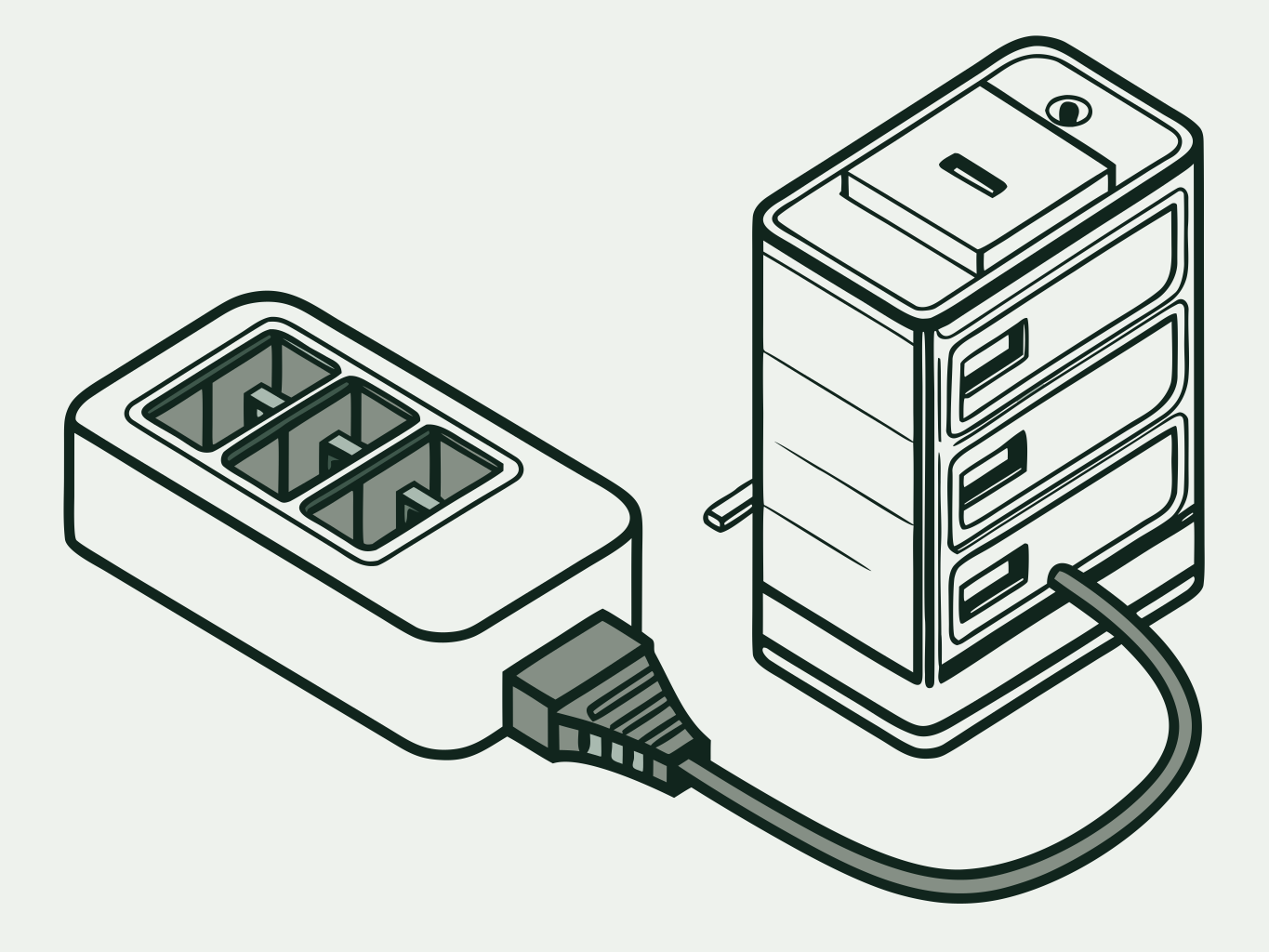
Diagram: an operating address cabled to an energy store
  1. 1

    Sign up

    Sign up with your email at app.usdtpull.com. No company verification needed.

  2. 2

    Top up

    Top up your balance in TRX or USDT TRC-20. The price of each order is shown before payment and deducted from the balance.

  3. 3

    Addresses

    Add your operating addresses and choose: rental for a set term or always-on energy.

  4. 4

    API

    Connect the API and your systems will order energy for each transfer on their own. You create the key in your account; there is no test mode.

Transfers without burning TRX

Savings at high transfer volume

Calculated for standard transfers of 65,000 energy each. TRX burn at network rates, 1-hour rental at 34 SUN per unit.

Daily calculationstandard transfer

100transfers a day

The network burns TRX
650 TRX
Rental with UsdtPull
221 TRX
You save
429 TRX
Saved over 30 days
12,870 TRX
Staking your own TRX instead of renting
about 670,000 TRX staked (frozen)

1,000transfers a day

The network burns TRX
6,500 TRX
Rental with UsdtPull
2,210 TRX
You save
4,290 TRX
Saved over 30 days
128,700 TRX
Staking your own TRX instead of renting
about 6,700,000 TRX staked (frozen)

A transfer to a new address uses about 131,000 energy, so both amounts nearly double.

Prices on this page are approximate. The exact price is shown in the app before you pay.

More about pricing

Why it is safe

UsdtPull works with an address, not a wallet. Here are three things you can check yourself.

Your address and energy
UsdtPull
energy for a termreturn
Your address
only you hold the keys
  1. Keys stay with you

    The service only needs the address that will receive energy. It has no access to your wallet or keys.

  2. Delegation is visible on TronScan

    The energy delegation is recorded on the blockchain. You can see it on the TronScan explorer under your address.

  3. Energy returns on its own

    When the rental term ends, the energy goes back to the pool. You do not need to do anything.

Connect energy to your systems

Support handles questions about setup and the API. Email us at support@usdtpull.com.