TRON energy rental API and access to a TRON node
Order energy for USDT transfers from your own systems, with no manual steps in the app. Your wallet keys stay with you.
// illustrative example
// the exact format is in the API documentation

POST  <energy order method>

address  "TXa4...q9Rm"   // where the energy goes
energy   65000           // 131000 for a new address
term     <rental term>   // then the energy returns on its own

// response: energy is on the address, you can send USDT
What you can do with the API
Energy for transfers, address monitoring and payment acceptance, right from your own systems.
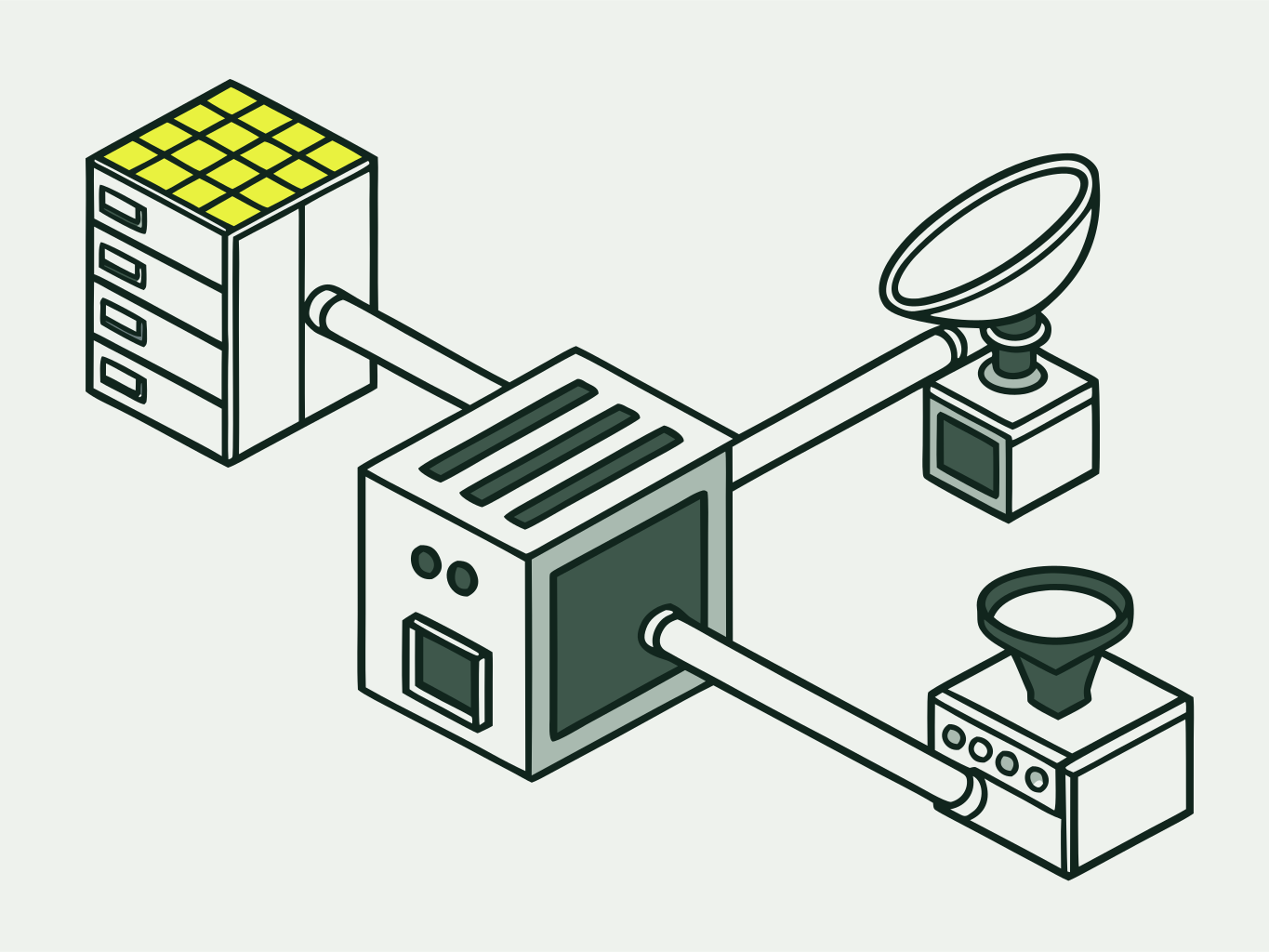
Energy for transfers
- Energy for a transfer
Energy on the address before you send USDT: 65,000 for a standard transfer, 131,000 for a transfer to a new address.
- Always-on energy
Your operating address always has energy for the next transfer: it is topped up after every transaction.
Address monitoring
- AML checks
Screen addresses and transactions before you accept funds.
- Wallet tracking
Alerts on USDT transfers on the addresses you watch: via Telegram, email or a webhook to your server.
- USDT freeze check
A one-time address check, or ongoing monitoring with an alert if the USDT gets frozen.
Payment acceptance
- Crypto acquiring
Accept USDT TRC-20 payments for your business. Flat fee of 0.5 USDT per payment.
Every service on this list is available via the API from launch.
How the API fits into your transfers
Your system orders energy, UsdtPull delegates it to the address, and the USDT transfer goes through without burning TRX.
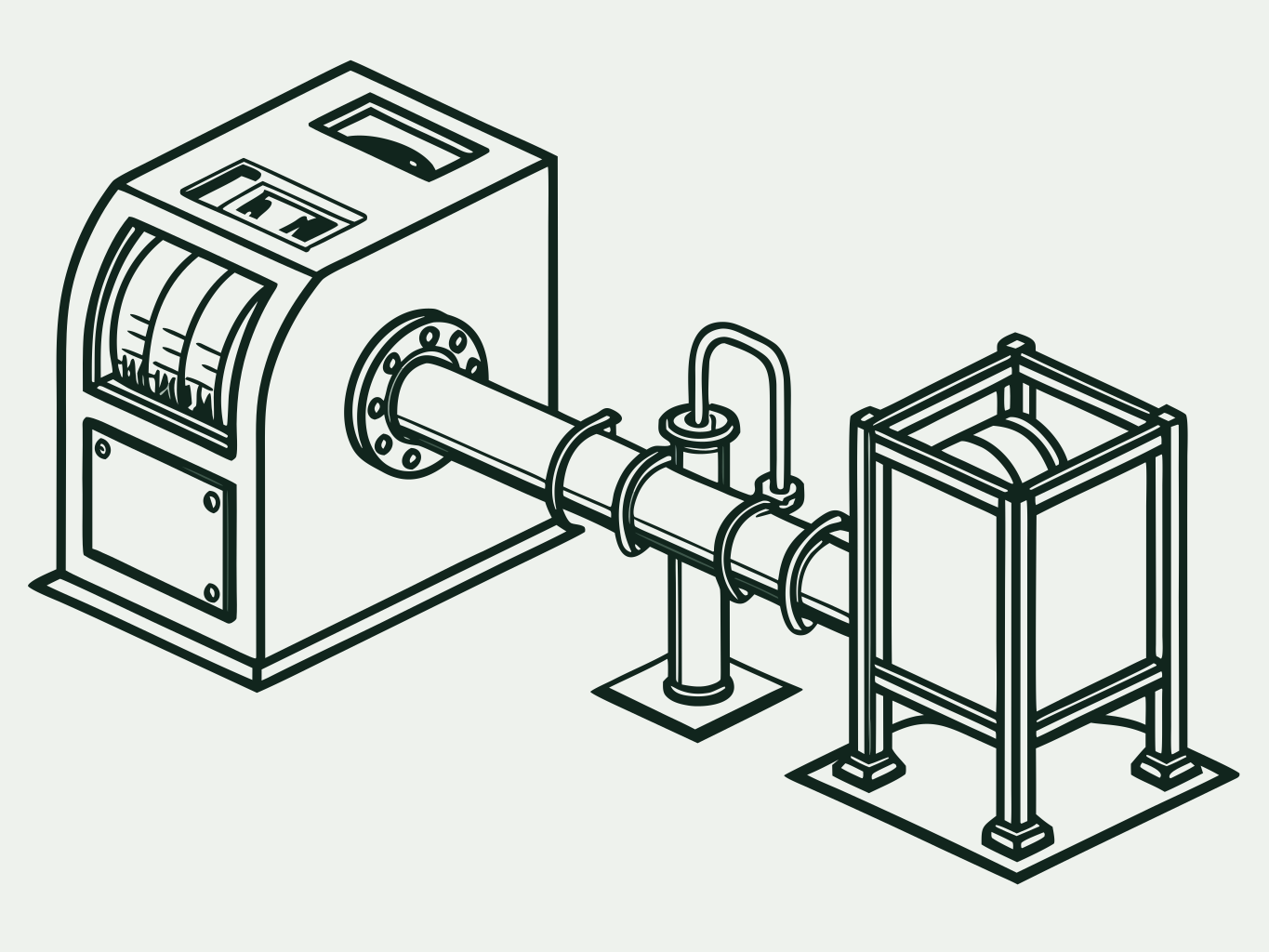
- solid line: your system request
- dashed line: energy flow
TRON node subscription
Access to a TRON network node for developers and services that work with the network from their own systems.
- Who it is for
- Developers and services
- What you get
- Access to a TRON network node
- Protocols
- HTTP API and gRPC
Get started
Four steps from sign-up to your first transfer with energy ordered via the API.

- 01
Sign up in the app
Open app.usdtpull.com and sign up with your email. No identity or company verification needed.
- 02
API key
Create a key for requests from your own systems in your account in the app. No request to support needed.
- 03
First request
Order energy for your address: specify the address, amount and term. There is no test mode: requests go straight to the TRON mainnet. The request format is described in the API documentation.
- 04
Transfer and verify
Send USDT as usual. You can see the energy delegation to your address on the TronScan blockchain explorer.
API docs for your AI assistant
Connect the API documentation to Cursor, Claude, VS Code or any other editor with MCP support. The assistant reads the method descriptions and writes the UsdtPull integration code.
- 01Open the MCP settings in your editor.
- 02Paste this config. Node.js is required; no API key is needed to read the docs.
- 03Ask the assistant, for example: “write an energy order via the UsdtPull API”.
The assistant only reads the documentation: it does not touch orders or funds.
API documentation{
"mcpServers": {
"usdtpull-api": {
"command": "npx",
"args": [
"-y",
"apidog-mcp-server@latest",
"--site-id=771832"
]
}
}
}Connect energy to your systems
Sign-up and orders go through the app. Send integration questions to the support email.