TRON Energy Rental API: How Automated Energy Orders Work
How a TRON energy rental API fits into USDT payouts: quote, order, status check, transfer. Real UsdtPull API methods, request signing and a request budget.
- Category
- For business
- Published
- Reading time
- 8 min
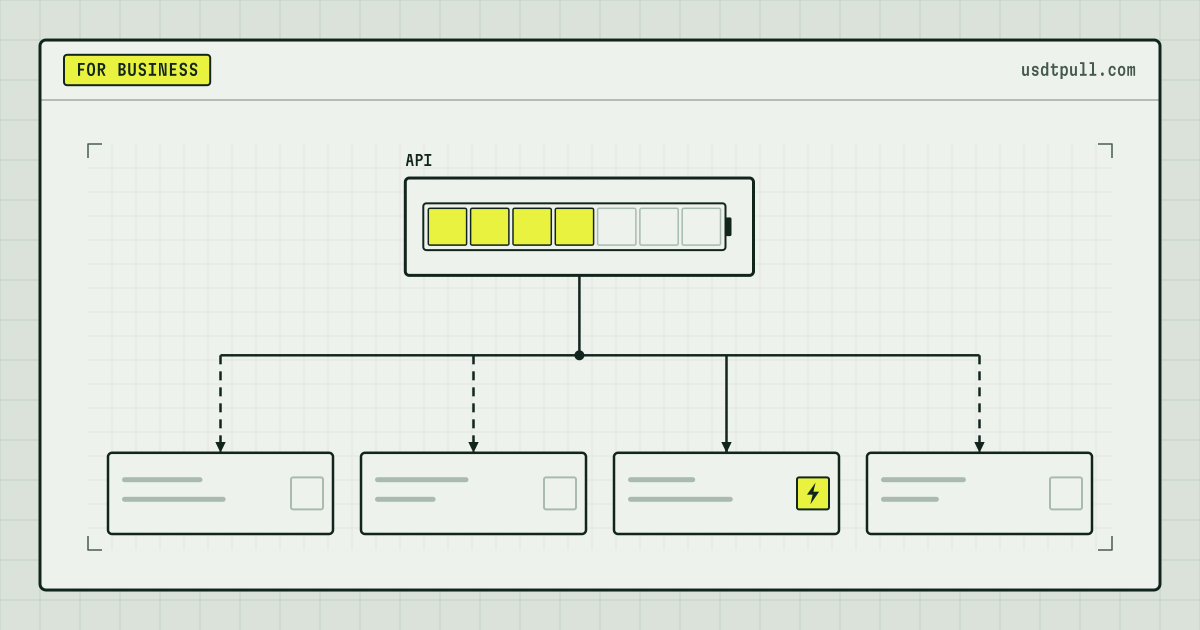
A TRON energy rental API lets your own system put energy on a sending address right before it sends USDT, so the network uses that energy instead of burning TRX. The flow has four calls: get a price, create an order for the right amount of energy, check that the order went through, then sign and send the transfer as usual. Below we map this flow to the methods that are actually listed in the UsdtPull API documentation as of Oct 13, 2026.
What the API does and what it never touches
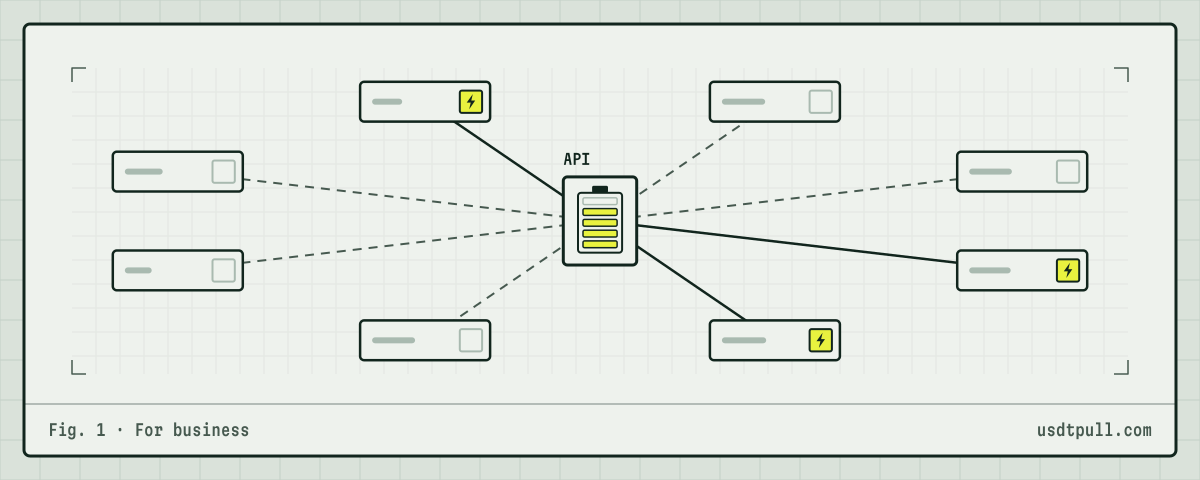
An energy order only needs a TRON address. UsdtPull delegates energy to that address for the rental term, and when the term ends the energy goes back on its own. The USDT transfer itself is still created and signed by your system with your own key. The API never sees private keys or recovery phrases, and it cannot move funds from the address.
So the API key can spend your service balance on orders, but it has no power over your payout wallets. Every delegation is an on-chain operation you can check in the TronScan block explorer.
One network rule to keep in mind: energy can only be delegated to an address that already exists on chain. The java-tron code rejects a delegation to an account that has not been activated, so a brand new address first needs an incoming TRX transfer.
Which methods the documentation lists
The API documentation groups methods by service. For energy, these are the ones you need:
| Task | Method | Key fields |
|---|---|---|
| See available energy tariffs | GET /v1/energy/tariffs/for-user |
energyVolume, duration, priceTrx |
| Get a price without ordering | GET /v1/energy/orders/quote |
priceTrx, markupSun, minVolume, maxVolume |
| Order a ready-made tariff | POST /v1/energy/orders/preset |
tariffId, toAddress, currency |
| Order any amount of energy | POST /v1/energy/orders/custom |
volume, toAddress, currency |
| List your orders and their status | GET /v1/energy/orders/for-user |
StatusType, PageNumber, PageSize |
| Check the service balance | GET /v1/crypto/account/balance |
balance, availableBalance |
A few details from the same documentation that shape the integration:
- Rental term. The duration field has one value,
Hour1. Plan each order so the transfers it covers go out within that hour. - Payment. An order is charged to your balance in the service, in TRX or USDT (
currencyfield). - Order status. The documented statuses are Created, Delegating, Delegated, Confirmed, Failed and Expired. There is no “get one order by id” method, so you track orders through the list endpoint.
Beyond energy, the documentation also covers always-on energy on an address (subscriptions with a daily price quote and a refill history), bandwidth orders, AML checks, wallet tracking, the USDT freeze check, crypto acquiring and the TRON node subscription. The API page gives an overview of these groups.
How requests are signed
Every request carries four headers: X-Api-Key, X-Timestamp, X-Nonce and X-Signature. The signature is an HMAC-SHA256 over five lines joined with \n: the timestamp, the nonce, the HTTP method, the path with query string, and the request body exactly as sent. The result is Base64-encoded.
The documented limits:
- the timestamp must be within 2 minutes of the server time;
- a nonce cannot be reused for 5 minutes;
- the key is tied to the IP address it was issued from;
- a single identity can send 10 requests per second or 300 per minute, and above that the API answers 429 with a Retry-After header.
Here is what signing looks like in Node.js. This is an illustrative example, the exact format is in the documentation:
// illustrative example, the exact format is in the documentation
import crypto from 'node:crypto';

function signedHeaders(method, pathWithQuery, body, apiKey, secret) {
  const timestamp = Math.floor(Date.now() / 1000).toString();
  const nonce = crypto.randomUUID();
  const payload = [timestamp, nonce, method, pathWithQuery, body].join('\n');
  const signature = crypto.createHmac('sha256', secret).update(payload, 'utf8').digest('base64');
  return { 'X-Api-Key': apiKey, 'X-Timestamp': timestamp, 'X-Nonce': nonce, 'X-Signature': signature };
}
Sign the body string you actually send. If you serialize the JSON twice, a single changed space breaks the signature.
The order flow, step by step
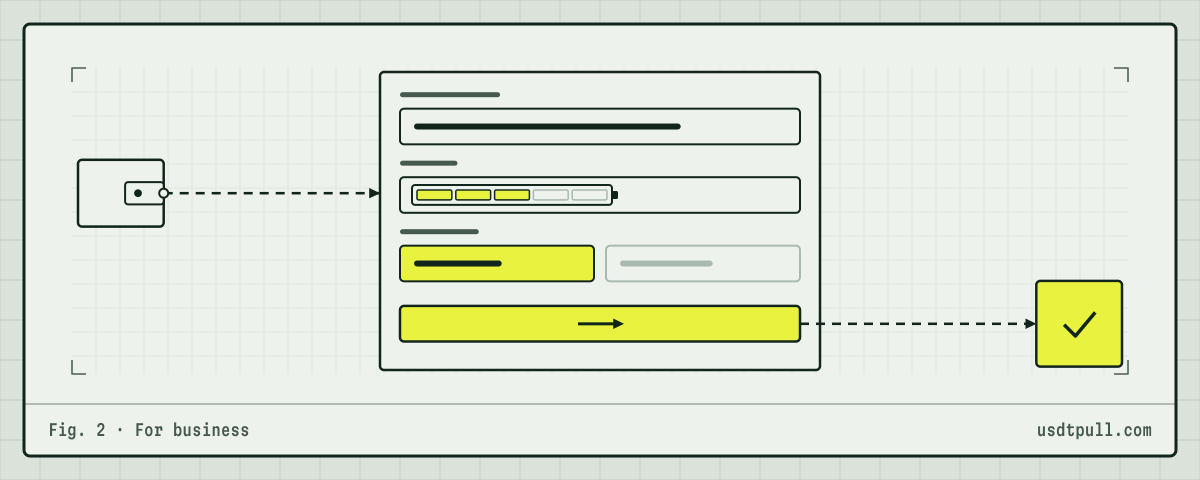
- Check the recipient. If the recipient’s address already holds USDT, the transfer needs about 65,000 energy. If it holds none, about 131,000. On Oct 13, 2026 we sampled one block (87067211) with 82 USDT transfers: 68 used exactly 64,285 energy and 14 used exactly 130,285.
- Get a quote. Call the quote method with the amount type Custom, the volume and the currency. Use
minVolumeandmaxVolumefrom the answer to validate the order before you place it. - Create the order. Send the volume, the sending address (
toAddressis the address that receives the energy, which is your payout address) and the currency. - Wait for delegation. Read the order list until your order reaches Delegated or Confirmed. The documentation names the statuses but does not describe each one, so on your first orders also check the delegation in TronScan. If the order ends up Failed, do not send: without energy the network burns TRX.
- Send the transfer. Sign and broadcast the USDT transfer from your own code.
- Check the receipt. The transaction page in TronScan shows the energy used and whether any TRX was burned.
The body of a custom order is short. Again, this is an illustrative example, the exact format is in the documentation:
POST /v1/energy/orders/custom
Content-Type: application/json

{"volume": 65000, "toAddress": "TXa4...q9Rm", "currency": "Trx"}
The base URL is not part of this example on purpose: take it from the documentation.
What an order saves, in numbers
Take an example rate of 32 SUN per unit of energy for 1 hour. This is an example rate: the exact price is shown in the app before you pay, and reference prices are on the pricing page. Network burn is 100 SUN per unit as of Oct 13, 2026 (TronScan chain parameters).
| Transfer | Energy used (measured) | TRX burned without energy | Rental at 32 SUN (example) |
|---|---|---|---|
| Recipient holds USDT | 64,285 | 6.43 TRX | 2.06 TRX |
| Recipient has no USDT | 130,285 | 13.03 TRX | 4.17 TRX |
The formula is the same for any rate: TRX = energy × rate in SUN / 1,000,000. The USDT contract’s dynamic energy factor is 34,000 as of Oct 13, 2026, which equals the network maximum, so under current parameters these per-transfer figures sit at the top of the dynamic model.
A request budget for high volume
The rate limit is easy to hit if every payout makes its own calls. Count the requests per payout:
- naive flow: 1 quote + 1 order + 1 status check = 3 requests, so 300 per minute allows at most 100 payouts a minute;
- batched status checks: read the order list once per cycle for all pending orders. That brings you close to 2 requests per payout (quote and order), or about 150 payouts a minute;
- if you also skip the quote when the volume is a standard 65,000 or 131,000 you have already validated, you get close to 1 request per payout.
For a steady payout flow from one address, always-on energy removes the per-transfer order entirely: the address is topped up after each transaction. How this works for payout services and exchanges is described on the For business page, and a cost model for 100 to 1,000 transfers a day is in USDT transfer costs for exchanges.
Things to code for from day one
- Keep TRX for bandwidth. A USDT transfer takes about 345 bandwidth. The free daily allowance is 600, so a busy address burns 1,000 SUN per unit, about 0.35 TRX per transfer, unless it has its own bandwidth.
- Treat Failed as “do not send”. Retry the order or hold the payout. Sending anyway costs the full burn price.
- Set a fee limit. If energy falls short and the fee limit is too low, the transfer fails with OUT_OF_ENERGY, as explained in the out-of-energy error guide.
- Start with one small order. Check the first delegations on TronScan before you scale the flow up.
Open the UsdtPull app to create an API key and see the current rate.
FAQ
Does the API need my private key? No. Orders only need the address that should receive energy. You sign USDT transfers yourself.
Can I order energy for a new, empty address? Only after it has been activated with an incoming TRX transfer. The network rejects delegation to an address that does not exist on chain yet.
How long does rented energy stay on the address? The documentation lists one rental term, 1 hour. After that the energy returns automatically.
What if the recipient might be a new address? Order 131,000. If the transfer turns out standard, the rest stays on the address until the term ends and can cover the next transfer. Why the two amounts differ is covered in why sending to a new address costs more.