Calculations
USDT TRC-20 Transfer Fee: What It Costs and How to Pay Less
What a USDT TRC-20 transfer costs today: 6.5 or 13.1 TRX burned, or less with staked or rented TRON energy. Why the amount you send does not matter.
TRON energy lands on your address for the rental period. The network uses it instead of burning 6.5 TRX on a standard transfer.
The TRON network charges token transfers in energy. Here is what happens on your address during the rental.
In the app, you enter your wallet address, the amount of energy and the rental period.
About 65,000 energy arrives for a standard transfer, or 131,000 for a transfer to an address with no USDT yet.
You send USDT from your own wallet as usual. The network takes energy instead of TRX.
When the rental period ends, the energy leaves your address. You do not need to do anything.
Eight services in three areas: energy for transfers, address monitoring, and infrastructure and payments.
Energy for a set period to cover USDT transfers, standard ones and transfers to a new address.
Your wallet always has energy for the next transfer: it is topped up after every transaction.
Alerts about USDT transfers on the addresses you watch.
Check whether USDT on an address is frozen and keep track of its status.
Screen addresses and transactions before you accept funds.
Order energy from your own systems for every transfer, with no manual steps.
Access to a TRON network node for developers and services.
Accept USDT TRC-20 payments. Flat fee of 0.5 USDT per payment.
Three ways to pay for one transfer on TRON. Burning and staking follow the network parameters, rental follows the service rate.
| Method | Standard transfer65,000 energy | To a new address131,000 energy |
|---|---|---|
| Network burns TRXno energy, 100 SUN per unit | 6.5 TRX | 13.1 TRX |
| Your own energystaking (freezing) TRX on the network | About 6,700 TRX staked for one standard transfer per day | |
| UsdtPull rental for 1 hourrate 34 SUN per unit | 2.21 TRX | 4.45 TRX |
| You savevs burning TRX | 4.29 TRX | 8.65 TRX |
Network parameters as of Oct 5, 2026.
Connect energy to your own systems: USDT transfers keep flowing, and you do not have to stake TRX.
Order energy from your own systems for every transfer. For your own services, there is a TRON node subscription.
POST /v1/energy/orders { "address": "TXa4...q9Rm", "energy": 65000, "term": "1h" } // response { "status": "active" }
address: the address that receives the energy.energy: amount of energy, 65,000 for a standard transfer or 131,000 for an address with no USDT.term: rental term.Illustrative example. The exact format is in the API documentation.
The service never needs access to your wallet, and you can verify every step yourself.
To rent energy, the service only needs the address that receives it. Your private keys and seed phrase stay with you.
needed: wallet address
Open your wallet address in the TronScan blockchain explorer. The energy you received shows up there before you send USDT.
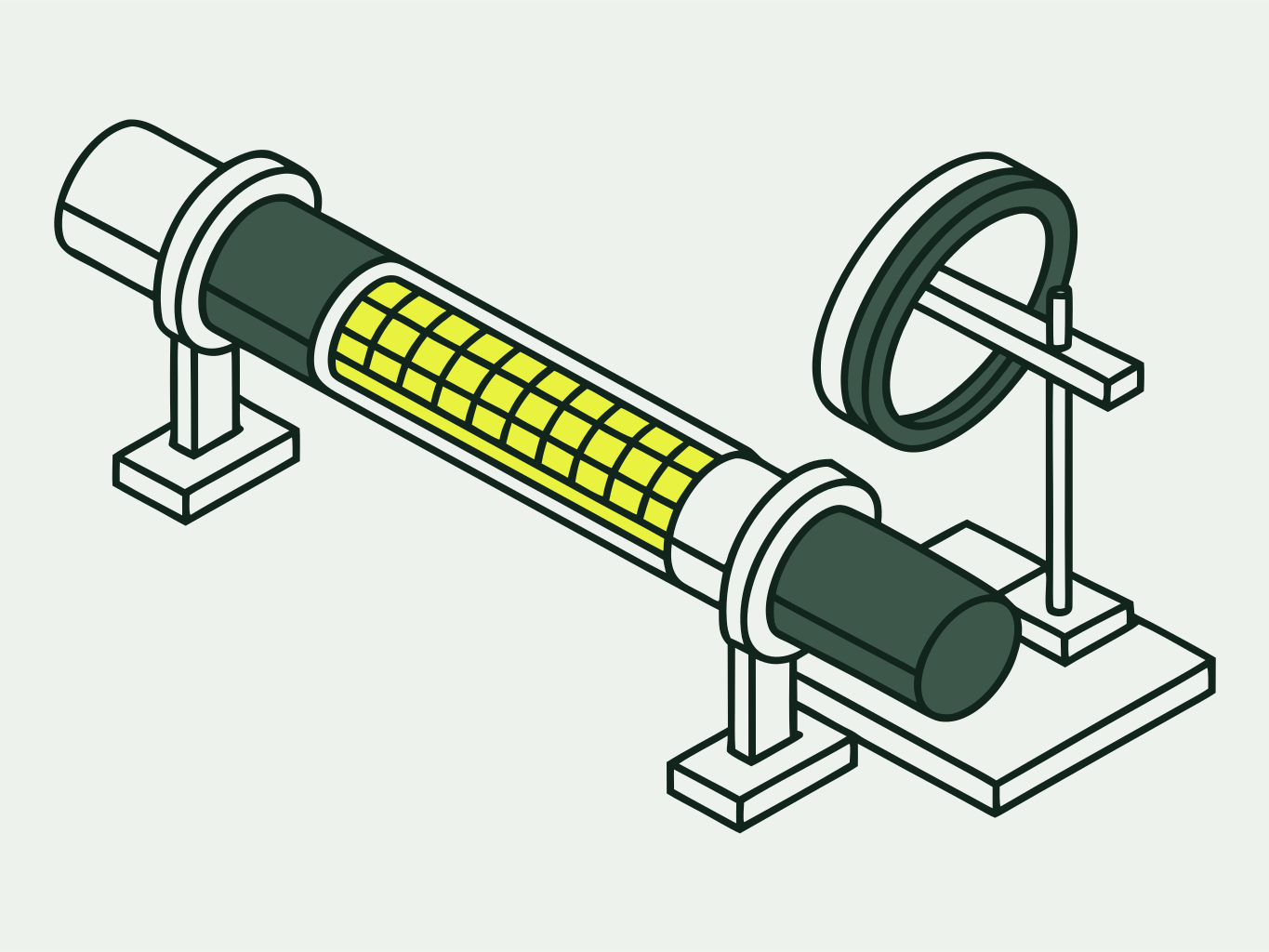
check: before the transfer
When the rental period ends, the energy goes back without any action from you. Only the energy on your wallet changes.
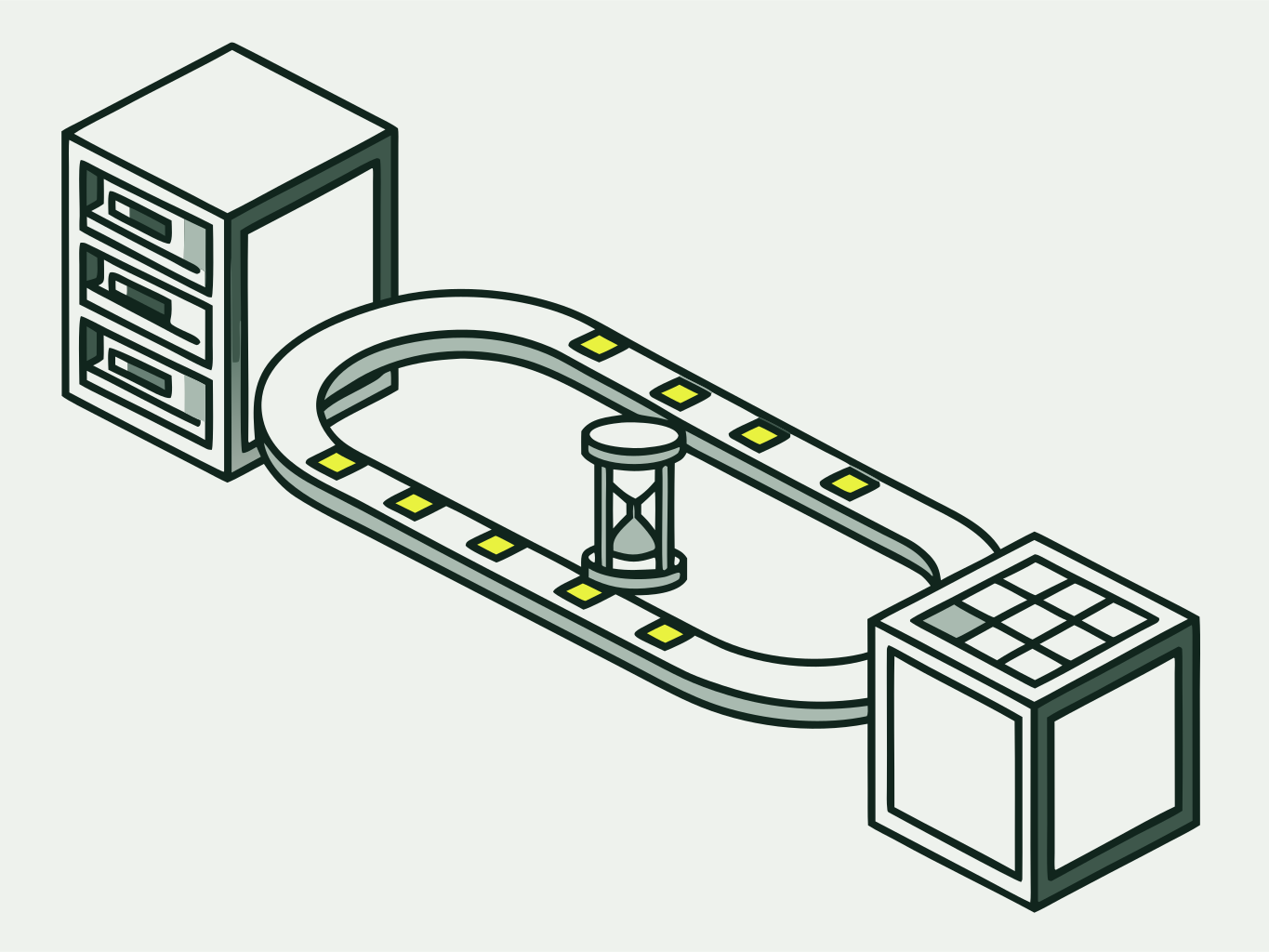
return: at the end of the period
Guides for Trust Wallet, TronLink and Ledger, USDT transfer errors and cost breakdowns.
What a USDT TRC-20 transfer costs today: 6.5 or 13.1 TRX burned, or less with staked or rented TRON energy. Why the amount you send does not matter.
Step by step: find your address in TronLink, check energy in the wallet and on TronScan, rent energy and send USDT without burning TRX.
Step by step: rent TRON energy to your Trust Wallet address and send USDT TRC-20 without the network burning 6.5 or 13.1 TRX.
A network resource that pays for USDT TRC-20 transfers. Energy comes from staked TRX: to cover one standard transfer per day, you need to stake (freeze) about 6,700 TRX. If there is no energy, the network burns TRX from your wallet.
About 65,000 for a standard transfer and about 131,000 for a transfer to an address with no USDT yet. Without energy, the network burns 6.5 and 13.1 TRX for them, at 100 SUN per unit.
An address counts as new if it holds no USDT yet. Check the recipient balance in the TronScan blockchain explorer: if the USDT balance is zero, order about 131,000 energy instead of 65,000.
A rental gives you energy for a set period. Always-on energy stays on your address all the time: it is topped up automatically after every transaction, so your wallet always has energy for the next transfer.
The energy leaves your address, and the transfer goes through as if there were no rental: the network burns TRX from your wallet, 6.5 TRX for a standard transfer. To avoid this, order energy again right before you send.