How Long Does Rented TRON Energy Last? Rental Term vs 24h Recovery
Rented TRON energy lasts for the rental term, then leaves with the delegation. Why the 24-hour recovery window is a different clock, with real numbers.
- Category
- Calculations
- Published
- Reading time
- 8 min
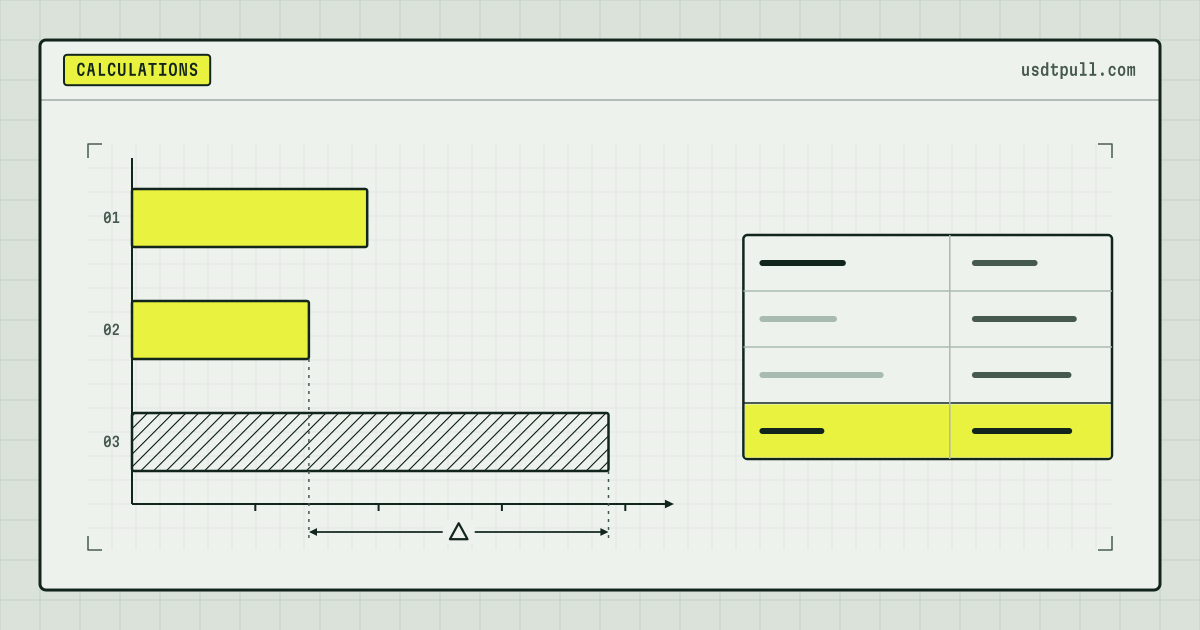
Rented TRON energy lasts as long as the rental term: on UsdtPull that is 1 hour or 1 day, chosen when you order. When the term ends, the energy leaves your address together with the delegation, whether you used it or not. The “24 hours” you read about in the TRON documentation is a different clock: it is how long the network takes to restore energy that an address has spent, and it matters mostly for energy from your own stake.
Below: what each clock measures, the recovery math, what happens to a half-used rental, how to see what is left and how to size an order for 1, 3 or 10 transfers. Figures are as of Nov 2, 2026.
Two clocks, side by side
| Rental term | Network recovery window | |
|---|---|---|
| Who sets it | The provider, at the moment of the order | The TRON protocol, the same for every address |
| Length | 1 hour or 1 day on UsdtPull | 24 hours, 28,800 slots of 3 seconds |
| What it measures | How long the delegated energy stays on your address | How fast spent energy returns to your limit |
| What happens at the end | The delegation is taken back, the energy limit drops | The usage reaches zero, the full limit is available again |
| Where it is recorded | In the provider’s order, not on chain | In your account data, EnergyUsed |
The first clock removes energy. The second one gives it back.
Clock one: the rental term
The term is fixed in the order: the pricing page offers 1 hour or 1 day.
Two consequences:
- Unused energy is not refunded. If you rent 65,000 and spend 64,285, the remaining 715 go back with the delegation.
- On chain, the term is a ceiling. Without a lock, the delegating address can take the delegation back at any time. Why that matters for your safety is covered in is renting TRON energy safe; how it shapes a payout schedule is in planning energy for batch payouts.
Clock two: recovery over 24 hours
The TRON documentation on bandwidth and energy says that an amount used at one time is fully recovered after 24 hours if nothing else is consumed, and that new consumption is combined with the unrecovered part.
The java-tron code makes this exact. The window is WINDOW_SIZE_MS (24 × 3,600 × 1,000 ms) divided by the 3,000 ms block interval, so 28,800 slots (Parameter.java). In ResourceProcessor.java the unrecovered usage shrinks in a straight line:
Usage still counted = usage × (28,800 - slots passed) / 28,800
One hour is 1,200 slots, so every hour returns 1/24 of what you spent.
Model calculation: one transfer of 64,285 energy
An address with its own stake sends one standard USDT transfer and nothing else. Figures follow the formula above, with the code’s rounding:
| Time after the transfer | Energy back on the address | Still counted as used |
|---|---|---|
| 1 hour | 2,679 | 61,606 |
| 6 hours | 16,072 | 48,213 |
| 12 hours | 32,143 | 32,142 |
| 24 hours | 64,285 | 0 |
A stake sized for one transfer a day, about 6,400 TRX as of Nov 2, 2026 (10.01 energy per staked TRX a day), sends it once every 24 hours. Two transfers back to back need a stake that covers both; the trade-off is in freeze TRX or rent energy.
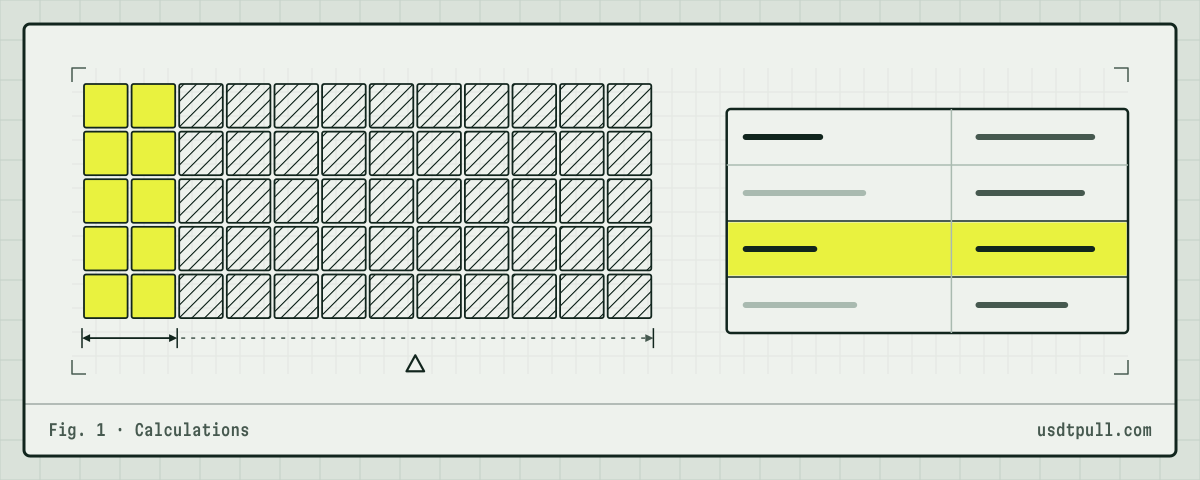
Own stake vs rented energy at the end of the hour
The recovery formula works on the address, wherever the energy came from. The difference is the limit:
- Own stake: the limit stays. Spent energy comes back on the 24-hour line, again and again, for as long as the TRX remains staked.
- Rented energy: the limit belongs to the delegation. When the delegation is taken back, the limit leaves with it, and the unrecovered usage on your address moves to the provider by the reclaim rule explained in how energy delegation works. With no stake of its own, your address keeps neither energy nor debt.
A real cycle from Nov 2, 2026, checked through TronGrid:
| Time (UTC) | Event | What the API showed |
|---|---|---|
| 05:03:15 | Delegation of 6,492 TRX for energy to TSSiXM…oH83jo, no lock | |
| 05:03:30 | EnergyLimit 65,005, no EnergyUsed |
|
| 05:03:51 | USDT transfer | 64,285 energy used, no TRX burned for energy (0.345 TRX for bandwidth) |
| 05:03:57 | Undelegation, 42 seconds after delegation | |
| 05:05:40 | No EnergyLimit, no EnergyUsed |
The 720 unneeded units left with the delegation. Had it stayed the full hour, recovery would have returned only 2,679 more. Over a 1-hour term, rented energy is in practice single-use.
On a 1-day term the two clocks have the same length but stay separate: spent energy returns only while the delegation is on your address, and without a lock the chain does not keep it there. So size a 1-day order, like a 1-hour one, for every transfer you plan to send.
How to see how much energy is left right now
Call getaccountresource for your address: available energy = EnergyLimit - EnergyUsed. A missing field means 0. The same figure sits in the energy row of your address page on TronScan; how to read it is in how to check energy and bandwidth on TronScan.
What you will not find is “minutes left” on a rental. The delegation record from getdelegatedresourcev2 holds the amount in TRX and, only if the delegation is locked, the end of the lock:
- for the cycle above, the call at 05:03:24 UTC returned only
frozen_balance_for_energy: 6,492,000,000 SUN. No time field at all; - for a locked delegation from the same minute (transaction,
lock_period200 blocks), it returnedexpire_time_for_energy1,793,596,389,000, which is 05:13:09 UTC, about 10 minutes after the block.
That timestamp is the lock, not a rental term, and locks are rare: in blocks 87,640,764 to 87,640,767 only 12 of 313 delegations had one. The end of a rental follows from your order: when you placed it and which term you chose.
Planning transfers inside one term
Since spent energy barely returns within an hour, order the full amount for every transfer you plan to send in the term. Model calculation at the current rate on Nov 12, 2026, 26 SUN per unit for 1 hour, against burning at 100 SUN:
| Transfers in the term | Energy, recipients hold USDT | Rent, TRX | Burn, TRX | Energy, recipients without USDT | Rent, TRX | Burn, TRX |
|---|---|---|---|---|---|---|
| 1 | 64,285 | 1.67 | 6.43 | 130,285 | 3.39 | 13.03 |
| 3 | 192,855 | 5.01 | 19.29 | 390,855 | 10.16 | 39.09 |
| 10 | 642,850 | 16.71 | 64.28 | 1,302,850 | 33.87 | 130.28 |
Could recovery save you a transfer’s worth? Take 10 standard transfers spread evenly over the hour, one every 6 minutes. By the time the tenth goes out, the first nine have recovered 64,285 × (54 + 48 + … + 6) / 1,440 = about 12,053 energy, less than a fifth of one transfer. The rate changes, and the exact price is shown in the service before you pay; reference prices are on the pricing page.
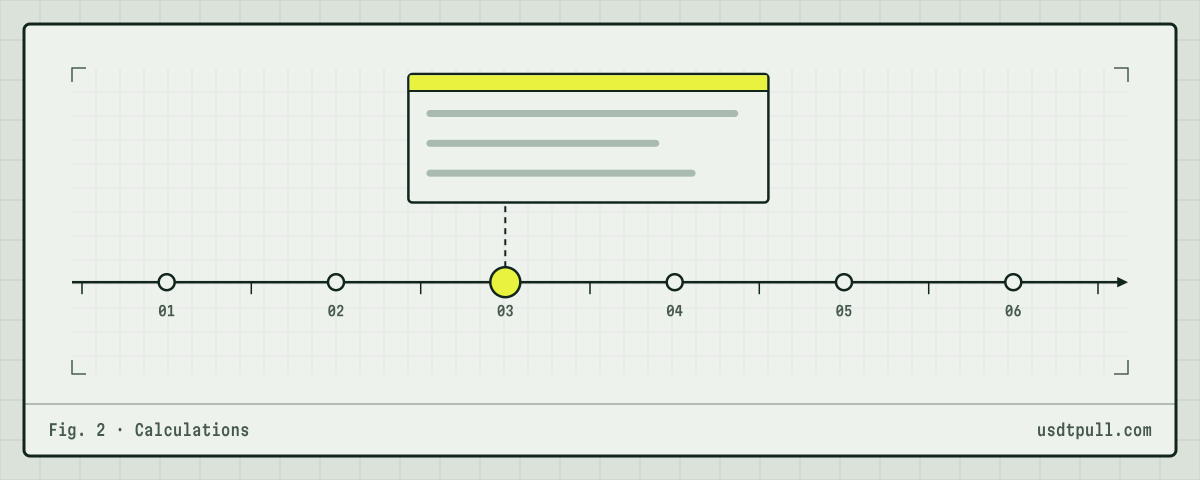
Step by step
- Count the transfers you will send in the term and check each recipient: holding USDT means 64,285, empty means 130,285.
- Order the sum for that term, with a small margin.
- Wait for the delegation and read
EnergyLimit-EnergyUsedon your address. - Send everything early in the term, so a slow wallet or a retry still fits inside it. How long each stage of a transfer takes is in how long a USDT TRC-20 transfer takes.
- Do not plan on leftovers after the term. For a steady daily flow, compare with staking or always-on energy.
FAQ
Does rented energy recover after 24 hours like staked energy? Only while the delegation is on your address. On a 1-hour term it returns at most 1/24 of what you spent before the delegation is taken back.
Can I see in TronScan when my rental ends? Not as a countdown. The chain stores the delegated amount and, if there is a lock, the lock end. The term is in your order.
What happens to energy I did not use? It leaves with the delegation at the end of the term and is not refunded.
Is 1 day the same as 24 hours of recovery? Same length, different clocks: one decides when the energy leaves, the other how fast spent energy returns. More answers are in the FAQ.