How to Activate a TRON Address and What It Costs
A new TRON address works only after an incoming TRX transfer. The sender pays 1.1 TRX. Why USDT does not activate it and what to do before renting energy.
- Category
- Guides
- Published
- Reading time
- 7 min
A new TRON address is activated by the first incoming TRX (or TRC-10) transfer, and the sender of that transfer pays for it: 1 TRX account creation fee plus 0.1 TRX for bandwidth, so 1.1 TRX in total as of Oct 13, 2026. Receiving USDT does not activate an address. Until it is activated, the address cannot send anything and cannot receive rented energy.
What activation is
A TRON wallet app can generate an address offline, in a second. At that point the address is only a key pair on your device. The network knows nothing about it, and there is no account record for it on chain.
Activation creates that record. After it, the address has its own state on the network: a TRX balance, bandwidth and energy, staked TRX, permissions. The TRON developer documentation lists the ways to create an account:
- a TRX or TRC-10 transfer from an existing account to the new address;
- a
createaccountcall from an existing account; - a smart contract that sends TRX or a TRC-10 token to the new address.
USDT is a TRC-20 token, and TRC-20 transfers are not on that list. MetaMask’s TRON guide says it directly: sending USDT does not activate an account, send TRX first.
What activation costs and who pays
The fee is charged to the account that sends the first TRX, not to the owner of the new address. Network parameters as of Oct 13, 2026 (TronScan chain parameters):
| Item | Parameter | Value |
|---|---|---|
| Account creation fee | getCreateNewAccountFeeInSystemContract | 1 TRX |
| Bandwidth fee if staked or delegated bandwidth cannot cover the transaction | getCreateAccountFee | 0.1 TRX |
| Free daily bandwidth | getFreeNetLimit | 600, not usable for account creation |
| Total for a standard activation | 1.1 TRX |
We checked this on chain. In block 87067211 (Oct 13, 2026, 06:55 UTC), six TRX transfers paid exactly 1,100,000 SUN in fees, 1 TRX plus 100,000 SUN for bandwidth. One of them sent 7.73 TRX to a new address: the transaction in TronScan. For comparison, an ordinary TRX transfer to an active address in the same block used 265 to 268 bandwidth, which is about 0.27 TRX if burned or nothing at all if it fits into the free 600.
Two edge cases from the same documentation:
- if the sender has enough staked or delegated bandwidth to cover the whole transaction, the network takes it instead of burning the 0.1 TRX, but the 1 TRX fee still applies;
- if a smart contract sends the TRX, there is no 1 TRX fee, but the contract call costs 25,000 more energy.
Any amount activates the address. Even the smallest TRX transfer costs the sender the same 1.1 TRX in fees.
What an inactive address cannot do
An address that has only received USDT can look normal in a wallet: the token balance is there. But the network does not treat it as an account yet, and that blocks two things.
It cannot send. java-tron rejects any transaction whose sender account does not exist, with the error “account does not exist”. The USDT sits on the address until someone sends TRX to it.
It cannot receive energy. Energy rental works through resource delegation, and the network refuses to delegate to an address that has no account. So ordering energy for a fresh wallet fails until the wallet is activated. Activate first, then rent.
Activation is not the same as “a transfer to a new address”
These two terms sound alike, but they are about different things and different payers.
| Activation | Transfer to a new address | |
|---|---|---|
| What is “new” | the address has no TRON account | the address holds no USDT |
| Triggered by | the first incoming TRX or TRC-10 | the first incoming USDT |
| Who pays | the sender of the TRX | the sender of the USDT |
| Cost | 1.1 TRX | 130,285 energy instead of 64,285 |
An address can be activated and still be “new” for USDT, for example a wallet that has only ever held TRX. The higher energy price of a first USDT transfer is explained in why sending to a new address costs more.
Example: the first day of a new wallet
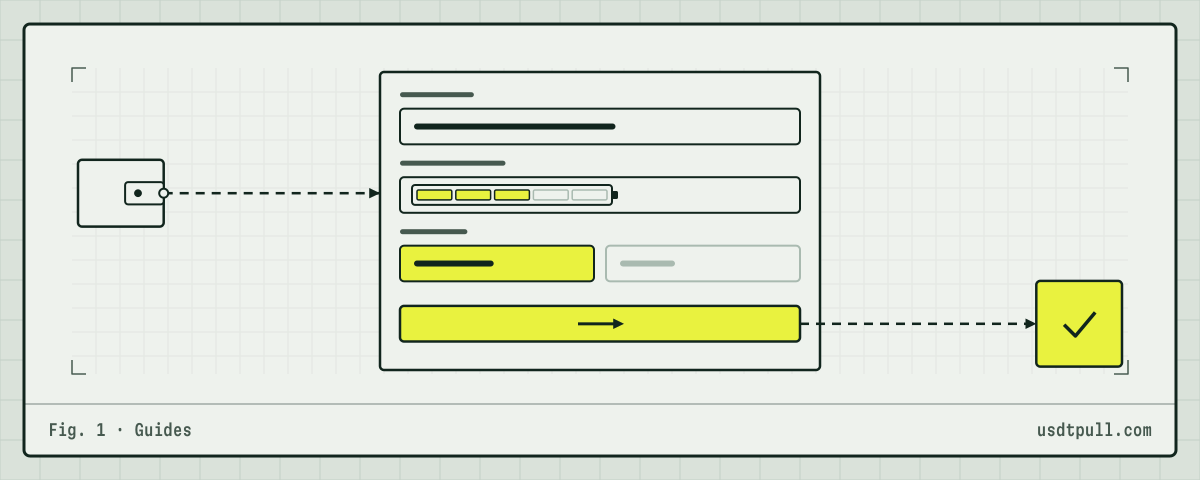
Here is the full cost of setting up a fresh wallet that will receive USDT and send it on. Network figures were measured on Oct 13, 2026. The rental column uses an example rate of 32 SUN per unit of energy for 1 hour: this is an example rate, the exact price is shown in the app before you pay, see pricing.
| Step | Who pays | Resource | Burn | Rental, 32 SUN (example) |
|---|---|---|---|---|
| 1. Friend sends 5 TRX to activate | friend | 1 TRX fee + bandwidth | 1.1 TRX | not applicable |
| 2. Someone sends you 200 USDT | that sender | 130,285 energy | 13.03 TRX | 4.17 TRX |
| 3. You send 200 USDT to an address that holds USDT | you | 64,285 energy, 345 bandwidth | 6.43 TRX | 2.06 TRX |
In step 3 the bandwidth is free if it fits into the 600 daily allowance. A second USDT transfer soon after the first needs another 345, and only about 255 are left, so the network burns 0.345 TRX for it: bandwidth is taken from one source in full, not split. The free allowance recovers gradually over 24 hours, so a transfer many hours later may fit again. That is why the 5 TRX in step 1 matter more than the activation itself. They pay for bandwidth on the days the free allowance runs out.
How to activate your address step by step
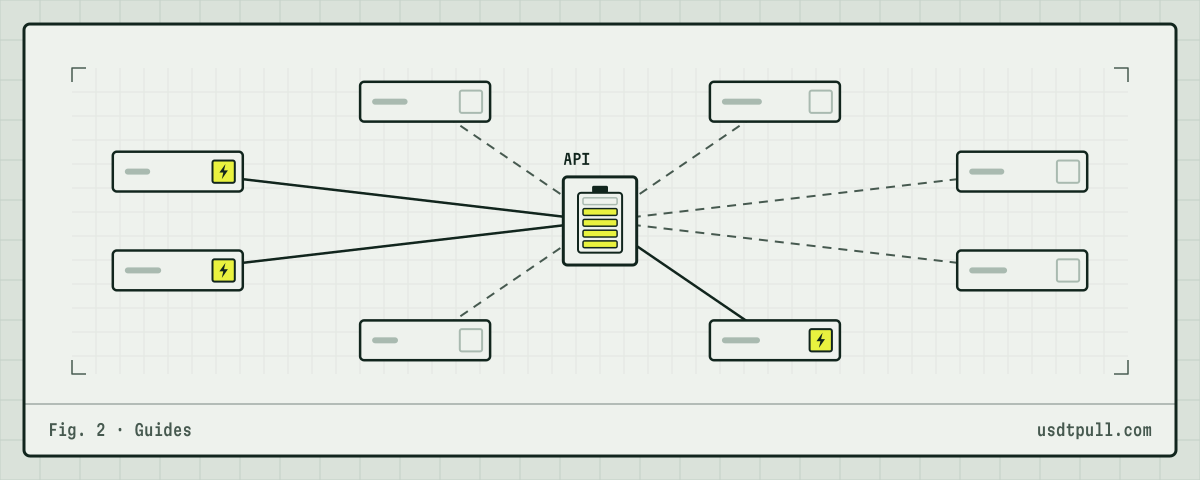
- Copy your TRON address from the wallet app (Trust Wallet, TronLink, Ledger Live or another). It starts with T.
- Send TRX to it from another wallet or account that already holds TRX. A few TRX is enough to also cover bandwidth later. Remember that the sending side pays the 1.1 TRX activation fee, and an exchange may charge its own withdrawal fee on top.
- Wait for confirmation and open the address in the TronScan block explorer. Once the TRX transfer shows up on the address page, the account exists.
- Keep the TRX on the address. Do not send it all out: USDT transfers will need TRX for bandwidth whenever the free allowance cannot cover a whole transfer.
- Now order energy for USDT transfers. The address can receive delegated energy, and step-by-step ordering is shown in the guide on how to buy energy.
If you are sending USDT through TronLink, the steps after activation are in send USDT from TronLink with energy.
FAQ
Who pays the activation fee? The sender of the first TRX transfer. The owner of the new address pays nothing for activation itself.
I received USDT, but I cannot send it. Why? Most likely the address was never activated. Send some TRX to it from another wallet, then try again.
Is activation a one-time cost? Yes. The account record stays on chain; the network does not charge the 1.1 TRX again for later transfers to that address.
Can I rent energy before activation? No. The network does not delegate energy to an address without an account. Activate it with TRX first. More answers are in the FAQ.