TRON Multisig Scam: Why a Free Seed Phrase With USDT Is a Trap
A shared seed phrase opens a TRON wallet with USDT, but another key controls it. How the trap works, how to check any address, and why TRX won't help.
- Category
- Guides
- Published
- Reading time
- 8 min
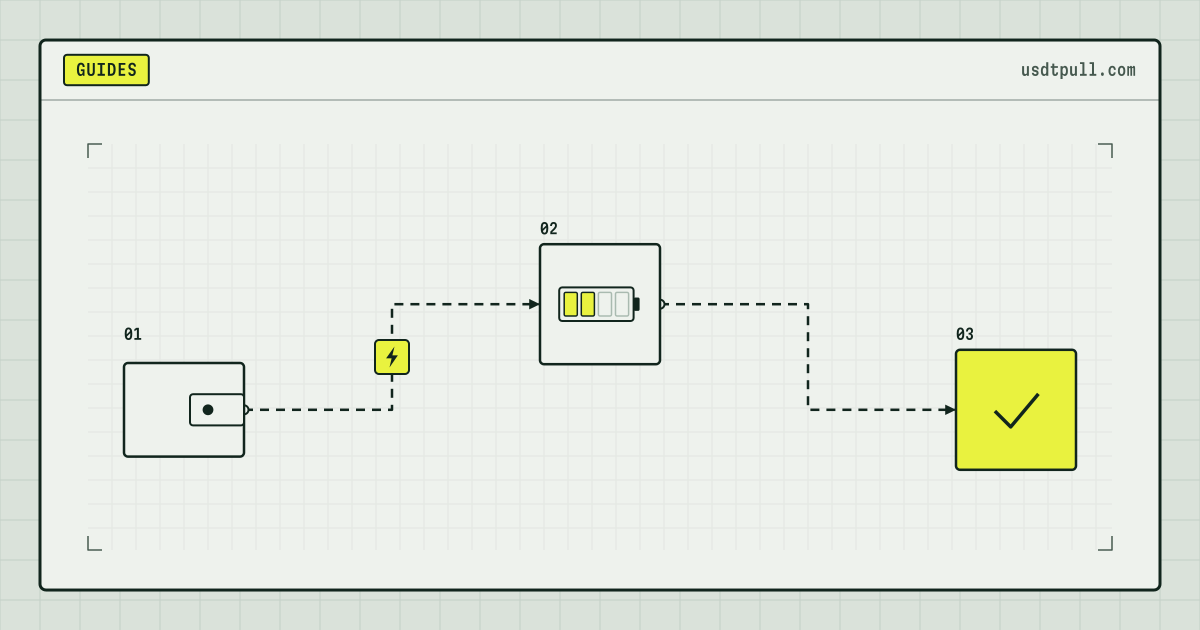
If someone posts a seed phrase for a TRON wallet holding USDT and asks for help withdrawing it, the wallet is almost certainly a trap: its account permissions were changed so that another key controls it. The phrase still imports the address and shows the balance, but the network rejects any transfer you sign, however much TRX the address holds. The only money that moves is the TRX you send “for the fee”, and it lands where only the scammer’s key can spend it.
Below: the permission fields behind it, two real permission changes from Nov 20, 2026, a free check, and what to do if you already sent TRX.
How the scam runs
- A comment or chat post shares a 12- or 24-word phrase, framed as a mistake or a plea: there is USDT on the wallet but no TRX for the fee.
- You import it. The address shows a real USDT balance, because balances on TRON are public.
- The USDT transfer does not go through, and the explanation offered is “not enough TRX”.
- You send TRX and try again. It fails again, and your TRX now sits under someone else’s key.
TronLink’s help center describes the mirror image: a scammer gets a victim’s phrase and sets up multisig on the victim’s wallet, after which the phrase no longer gives full control. The shared-phrase version uses the same lever on the scammer’s own address.
The permission fields behind the trick
Every TRON account carries a permission set, described in the Account Permission Management docs:
| Field | What it holds |
|---|---|
owner_permission |
ID 0. May sign any transaction type, permission changes included |
active_permission |
IDs 2 to 9. May sign only the types switched on in operations |
keys |
Up to 5 addresses per permission, each with a weight |
threshold |
The total weight the signatures must reach |
operations |
A 32-byte bitmap, one bit per transaction type, active permissions only |
A new account starts with one key, its own address, weight 1, threshold 1. A seed phrase gives you exactly that key and nothing else. The AccountPermissionUpdate transaction, contract type 46, replaces the whole set; TRON’s security guide calls it “modifying who can sign on behalf of your account”.
The node checks signatures in java-tron’s TransactionCapsule: it recovers the address behind each signature, adds up the weights of those listed in the permission, and compares the sum with the threshold. That gives three ways a phrase can open an address and still be useless:
| Shape of the change | Result when you sign with the phrase’s key |
|---|---|
| Your key removed from owner and active | Rejected: the signer “is not contained of permission” |
| Your key kept with weight 1, threshold raised to 2 or more | Rejected: weight below threshold, “sig error” |
| Your key kept in an active permission with the USDT transfer type (bit 31) off | Rejected: “Permission denied” |
The signature check runs before execution. A transaction that fails it never enters a block, so TronScan shows nothing.
Two real permission changes on Nov 20, 2026
We read 300 blocks through TronGrid on Nov 20, 2026, blocks 88,159,580 to 88,159,879 (about 05:34 to 05:49 UTC). They held 134,009 transactions, three of them AccountPermissionUpdate. Two show the first two shapes from the table:
| b6597bbc… | 02e59a95… | |
|---|---|---|
| Block, time (UTC) | 88,159,807, 05:45:06 | 88,159,732, 05:41:21 |
| Address created | 05:30:27, 15 minutes before | 05:37:27, 4 minutes before |
| Owner keys after the update | 1, a different address | 5: the address’s own key plus 4 others |
| Owner threshold | 1 | 2 |
| Active permission | Same single outside key | Same 5 keys, threshold 2 |
| Fee charged | 100.373 TRX: 100 plus 373 bandwidth burned | 100 TRX, 591 bandwidth, none burned |
For someone holding only the original phrase:
- First address: the phrase’s key appears nowhere in the permissions. Every signature from it is rejected.
- Second address: the key is still listed, but its weight of 1 is below the threshold of 2. It needs one of four other keys to co-sign.
Neither transaction says why it was made: a 2-of-5 owner is a common way to guard larger sums, and moving an address to a new key is normal too. The point is the mechanics: after such an update, the original phrase opens an address it cannot spend from. The third update in the sample did the reverse, back to a single own key.
Check any address for free
Before trusting a phrase or funding an address on request, ask a public node for its permissions. No key, no fee:
curl -X POST https://api.trongrid.io/wallet/getaccount \
  -H "content-type: application/json" \
  -d '{"address":"ADDRESS_TO_CHECK","visible":true}'
With visible: true keys come back as T-addresses. Read three things:
owner_permission.keys: is the checked address the only key?threshold: is it 1, and is that address’s weight at least the threshold?active_permission: the same two questions for every entry.
Any other address in keys, or a threshold above the address’s own weight, means its phrase alone cannot move a single token.
Why sending TRX or renting energy cannot unlock it
Paying for a transaction and being allowed to sign it are separate checks, and the signature comes first. Here is what a USDT transfer from such an address would need as of Nov 20, 2026:
| What the transfer needs | Amount as of Nov 20, 2026 | Can you supply it? |
|---|---|---|
| Energy, recipient already holds USDT | 64,285, or 6.43 TRX burned | Yes |
| Energy, recipient has no USDT | 130,285, or 13.03 TRX burned | Yes |
| Bandwidth | 345, inside the 600 free daily units | Yes |
| Signatures reaching the threshold | Weight of keys listed in the permission | No |
Energy delegation needs no signature from the receiver (how energy delegation works), so energy rented for a trap address would arrive. It would then serve whoever can sign for that address, which is the other key. Energy pays for execution; it adds no signing weight. At the current rate on Nov 22, 2026, 34 SUN per unit for 1 hour, 65,000 energy costs 2.21 TRX: a small sum, but spent on an address you do not control. The rate changes; the exact price is shown in the service before you pay, and reference prices are on the pricing page. Renting makes sense only for an address whose permissions are yours.
A “permission reset” fee does not work either. AccountPermissionUpdate must itself be signed by the owner permission, or by an active one with bit 46 on, and the phrase satisfies neither.
Model calculation, why the trap pays: the first update above cost 100.373 TRX, and the bait USDT cannot leave without the controlling key, so it greets every visitor. If each sends 10 TRX “for gas”, 100.373 / 10 = 10.04: the 11th visitor repays the setup, and the rest is profit.
If you already sent TRX
- Stop sending. Every further “fee” or “unlock” payment goes the same way. TronLink’s guidance on multisig permission scams: cut contact, pay nothing more.
- Treat the TRX as lost. A TRON transfer cannot be reversed. Paid “recovery” offers are usually the next scam.
- Keep evidence: the post with the phrase, chats, the hash of your transfer. TronLink suggests reporting to the wallet’s support and to local police.
- Remove the imported wallet and send nothing to it again. Importing a stranger’s phrase does not reveal your keys; your own phrase belongs in your wallet only.
- Check your own addresses with the request above, and review token approvals you may have signed elsewhere: revoking a USDT approval shows how. Look-alike addresses planted in your history are a separate trick, covered in address poisoning.
FAQ
Can the original seed phrase ever withdraw the USDT? Only with the controlling key: it must co-sign, or set the permissions back with another 100 TRX update.
Is every multisig address a scam? No. Multisig is a standard way to protect funds. The trap is a stranger’s phrase for an address whose permissions you do not hold.
Will renting energy let me send USDT from that address? No. Energy covers execution costs only, and the transaction is rejected at the signature check before any energy is used.
How do I confirm my own wallet’s permissions are untouched?
Run getaccount for your address: it should be the only key, threshold 1, unless you set up multisig yourself. What an energy provider can and cannot change on your address is in is renting TRON energy safe, and general questions are in the FAQ.